











Australia, New Zealand & Pacific Islands
Copyright © 2016 Toshiba Corporation. All Rights Reserved.

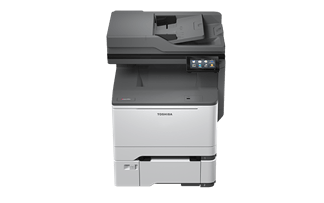
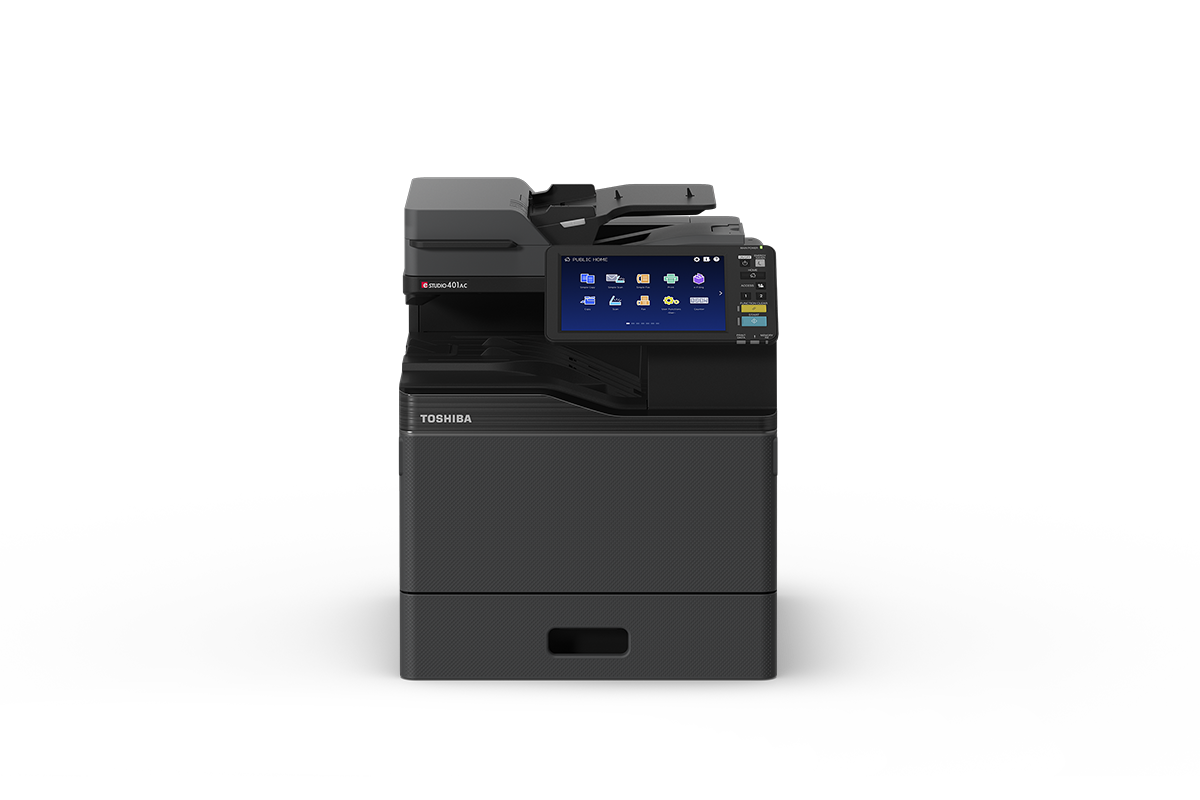
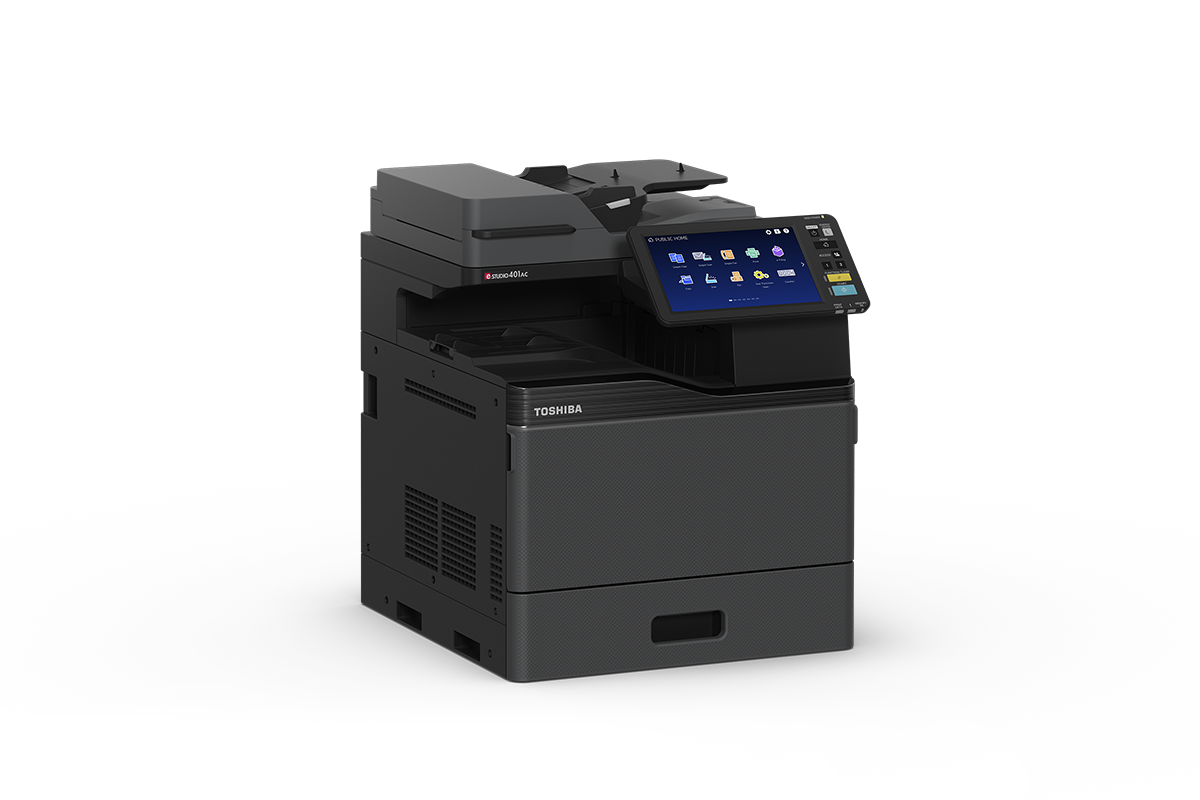
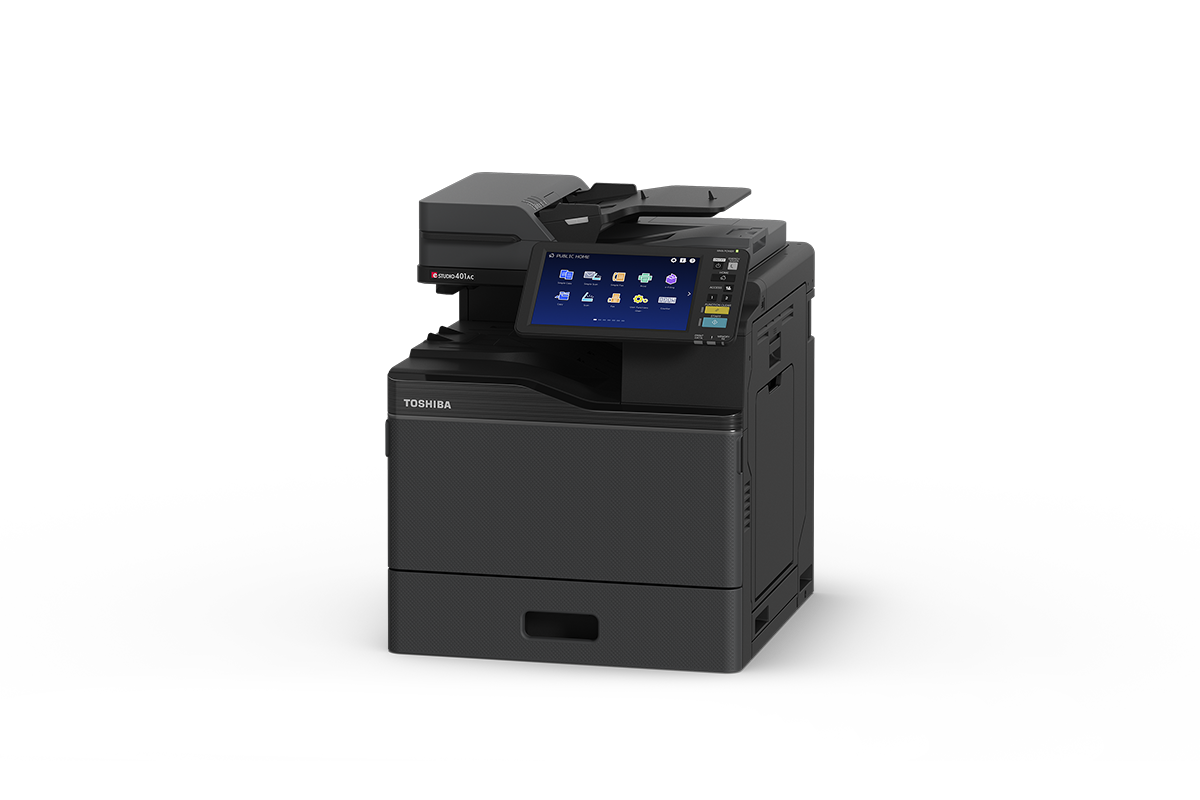
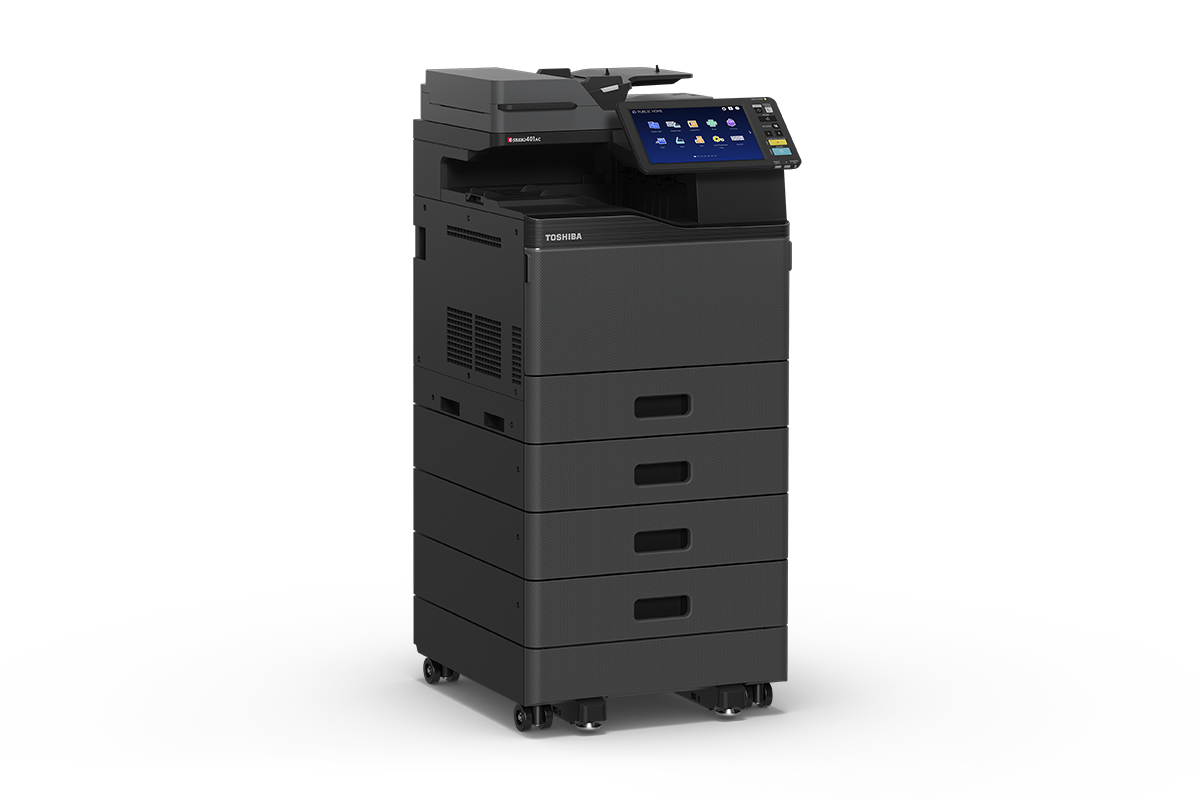
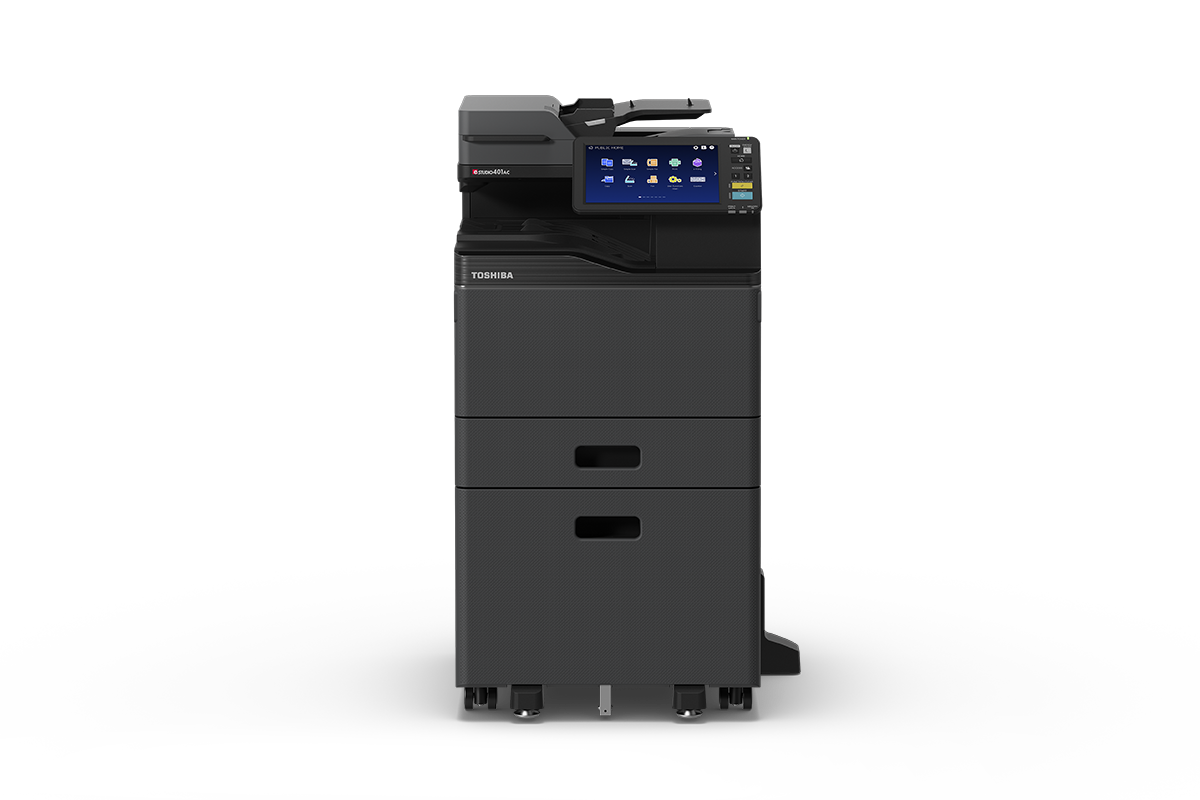
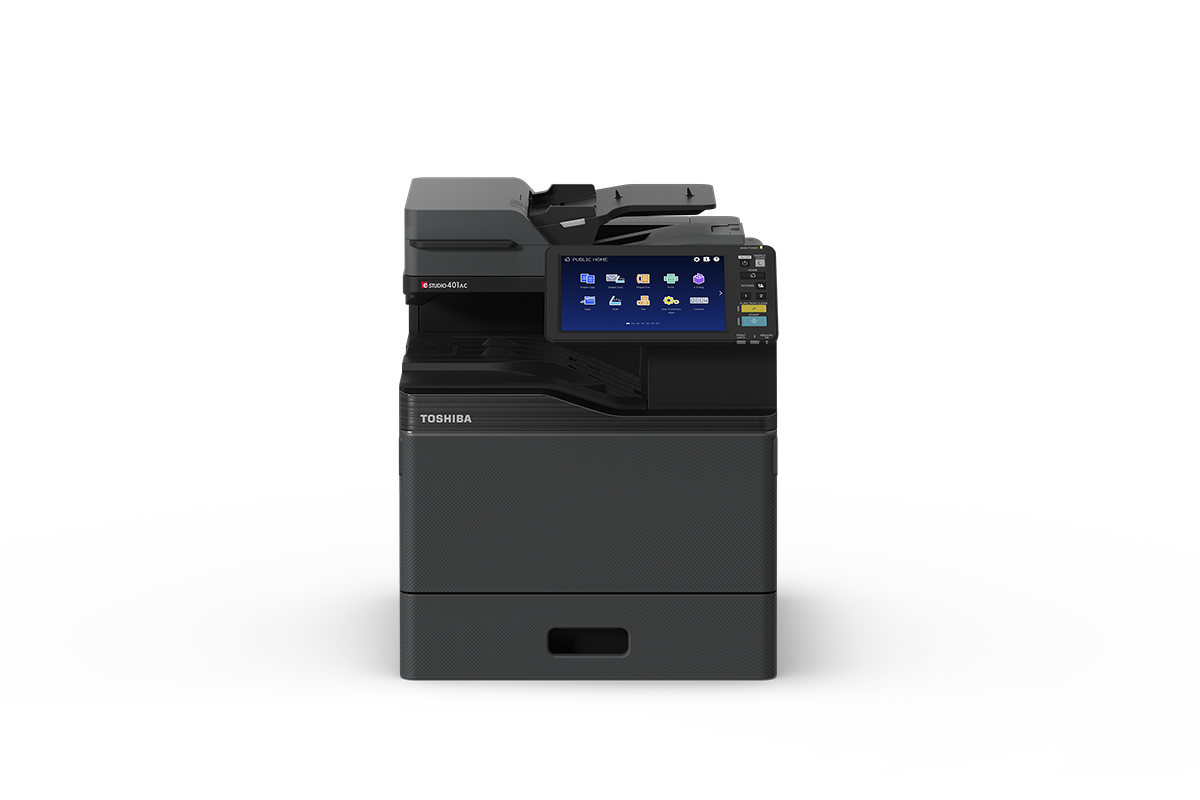
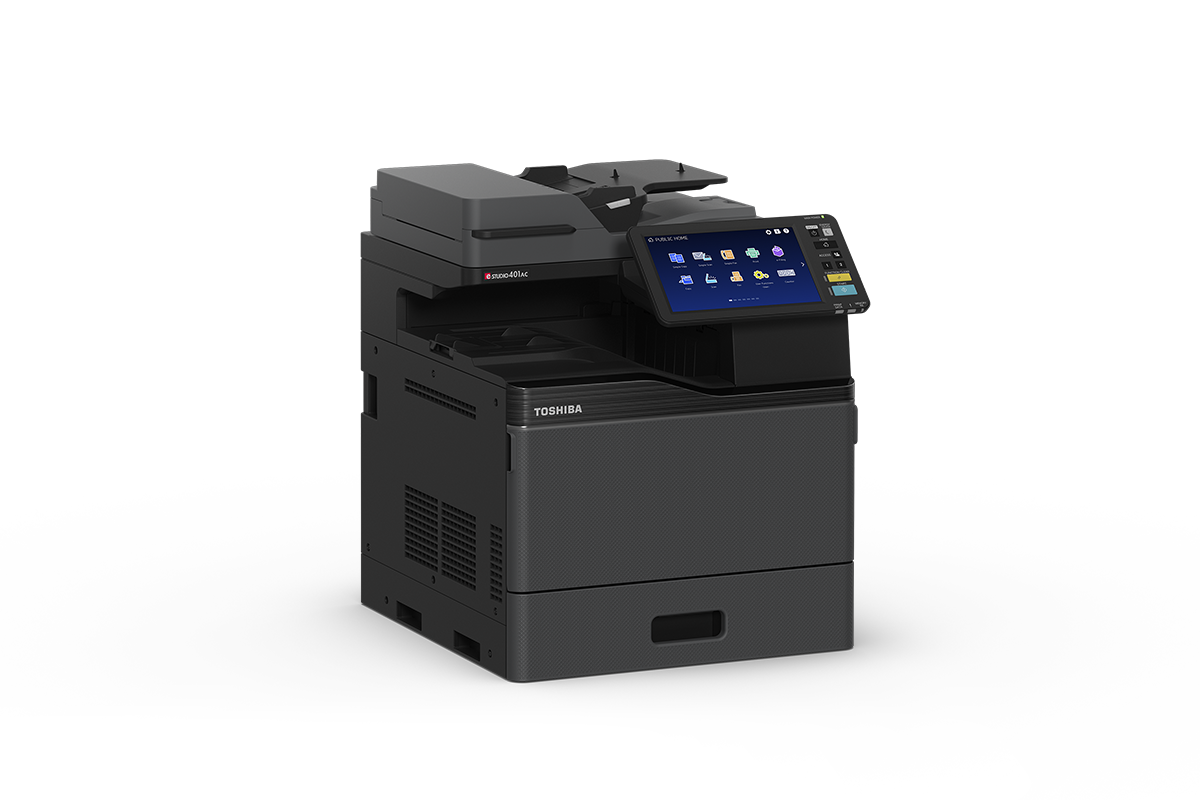
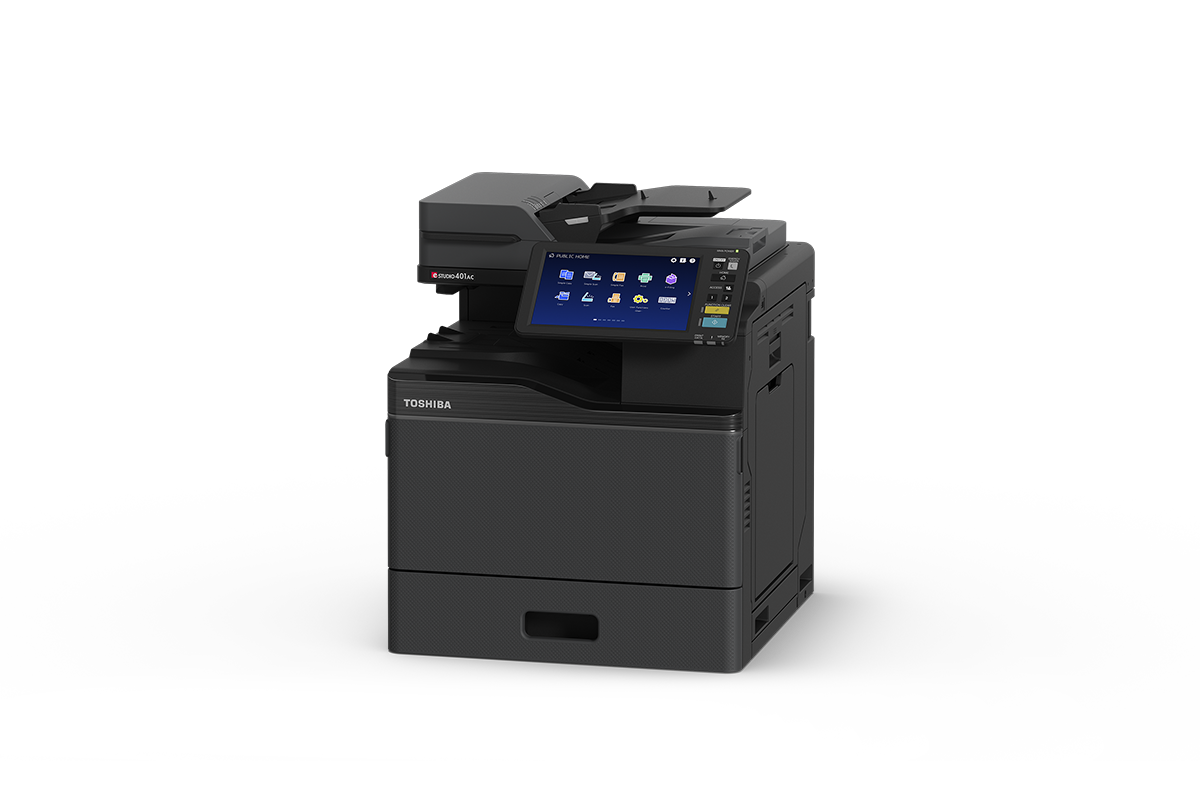
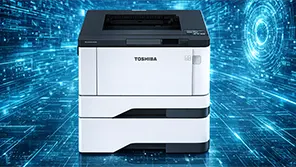
Fast, compact A4 Colour printing with user-friendly set up and management and superior image quality.
Compatible with AquaAce Water-resistant paper. Order now!
Toshiba’s next-generation e-BRIDGE architecture simplifies your business processes with
seamless connection.
Create a lasting impression with high-quality document output in both colour and monochrome through Toshiba’s proprietary image processing technologies.
“Cloud Enabled” embedded web services connect the MFP directly to your cloud provider at the panel - without the need for middleware or third party services.
Extensibility is built-in to e-BRIDGE Next platform so too is our commitment in continuous development with local R&D and third party integrations – ensuring you have a future proof investment.
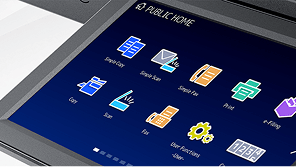
A new 10.1” tablet-style multi-touch screen is easy to use and customisable to meet your needs.
Create your own shortcuts to fast track business processes that are intuitive and productive.
Personalise the screen functions, layout and background to suit your business - enjoy the unique experience of working with a system that understands what you want.
Intuitive tablet-like user interface with simple one-touch workflows.
Also standard is ability to proof your work on the fly and edit right at the panel.
Optional e-BRIDGE Plus and Kōdo Apps connect securely and conveniently with single sign on to OneDrive, SharePoint Online, Teams, Google Drive, Dropbox, box for direct upload or print – at the MFP panel.
A choice of optional card readers not only gives you fast and convenient access to your print jobs but also increases data security.
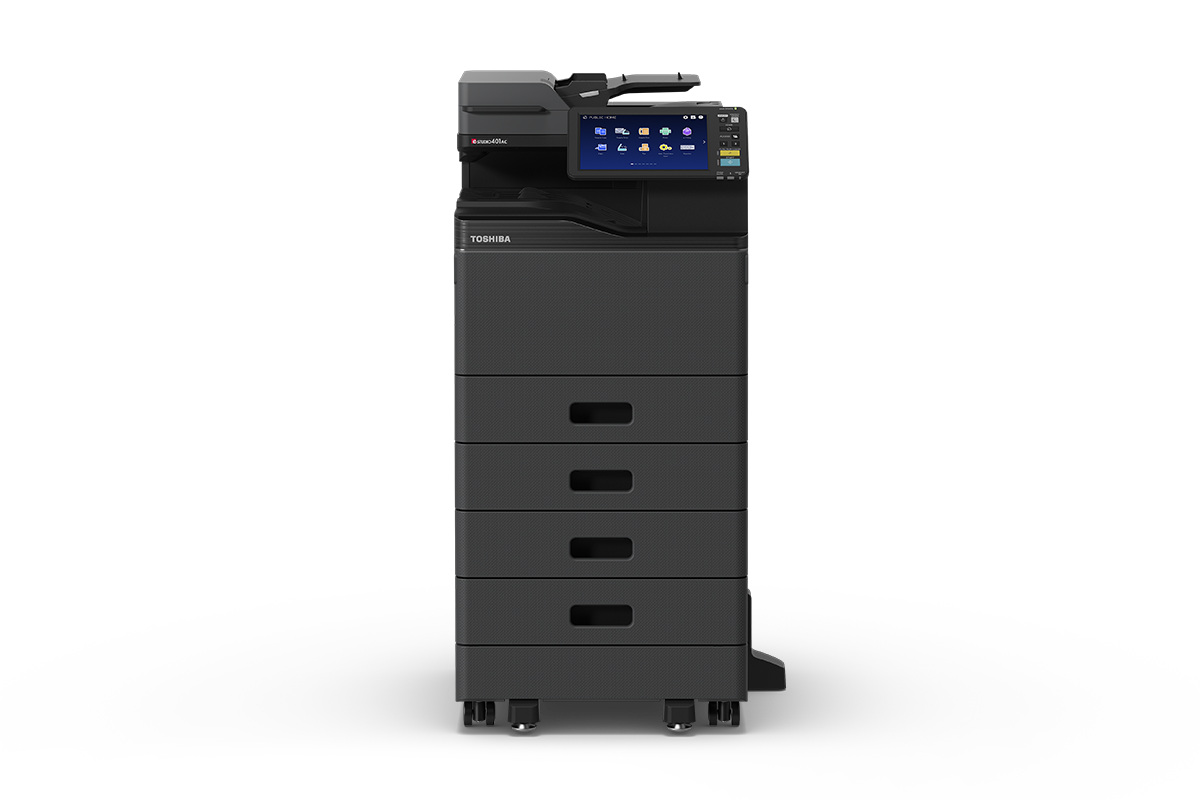
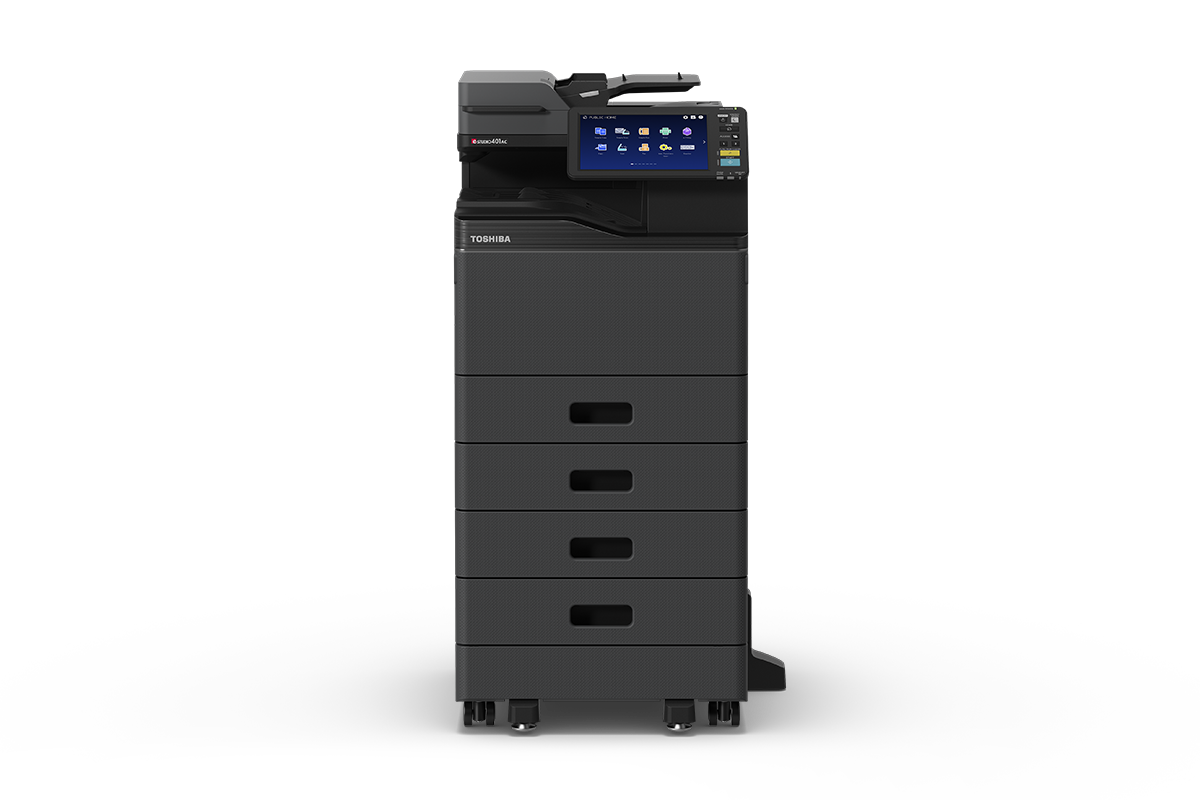
The e-STUDIO331AC comes standard envelope printing from the papers drawers and banner size media support through the bypass tray for that added flexibility.
Best in class Typical Energy Consumption (TEC) values and a low-power sleep mode are just two examples of how we can help you save valuable resources and reduce your CO2 footprint.
Innovation ensures that our environment is part of the equation, which is precisely what we do at Toshiba. This state-of-the-art MFP is RoHS compliant and uses recycled plastics.
The e-STUDIO401AC complies with international environmental standards, with certifications in various overseas markets for Energy Star, EPEAT and Blue Angel.
We have you covered 24-7 with e-BRIDGE Cloud Connect2) remote services platform designed to maximise your MFP’s uptime, performance, security and features through continuous system health diagnostics and updates to security and firmware updates amongst just some of the services provided.
Data security is our top priority. In addition, we offer a large range of built-in and optional features to protect your business data:
Enhanced connectivity to information and data, requires the most solid security.
The new series includes features such as TPM 2.0 for the high-level encryption and anti-malware protection so users need not worry about their data and devices being compromised by hacking or virus attacks.
This system meets the advanced security requirements and conforms to HCD-PP (Hardcopy Devices Protection Profile), the standard for international security.
[This Class 1 laser product complies with IEC60825-1]. Technical data is subject to change without prior notice. All company and/or product names are trademarks and/or registered trademarks of their respective manufacturers in their markets and/or countries. All rights reserved. We are constantly making efforts to deliver the latest status of data to our partners. Specifications for some models may change in the time between the production and the release of this documentation. Productivity and paper specifications are related to paper size of A4 and a paper weight of 80 g/m2 if not otherwise mentioned. Warm-up time and print speed may vary depending on the operating environment.
1 GB = 1 billion bytes; the actual formatted capacity is less. Available capacity will also be less if software applications are pre-installed.
* Optional
2) e-BRIDGE Cloud Connect may not be available in your local area , please check with your local reseller.
Copyright ©2025 TOSHIBA TEC.
 Enable seamless integration with popular business applications
Take your business to the next level with Toshiba Kōdo Apps, these easy-to-use, super efficient connectors can be tailored to suit the way your business operates, simplifying both common and sophisticated tasks.
Toshiba has an exciting range of Apps to super-charge your office with connectivity to streamline your work day.
Kōdo App for Microsoft Teams
Kōdo App for Microsoft 365
Kōdo App for Microsoft SharePoint
e-BRIDGE Plus for OneDrive
Kōdo Classroom
e-BRIDGE Plus for Google Drive
e-BRIDGE Email
e-BRIDGE Plus for Dropbox
e-BRIDGE Plus for box
Kōdo App for Content Manager
Kōdo App for Scan Plus
e-BRIDGE Plus for USB Storage
e-BRIDGE Plus for ID Card
e-BRIDGE Plus for Print & Capture
macOS, Packages, Unix, Windows 11 on ARM
Windows Server 2016, Windows 11, Windows Server 2019, Windows Server 2025, Windows Server 2022
Windows Server 2016, Windows 11, Windows Server 2019, Windows Server 2025, Windows Server 2022
Windows 11, Windows Server 2016, Windows Server 2019, Windows Server 2025, Windows Server 2022
Combine documents, perform batch printing and more with driver plugins
Toshiba’s driver plugins assist in optimising your print jobs. Our host of e-Bridge software driver applications enhance the management of complex, large-scale printing tasks. Learn more about our driver plugins below.
 Toshiba e-Bridge Job Point eXTM
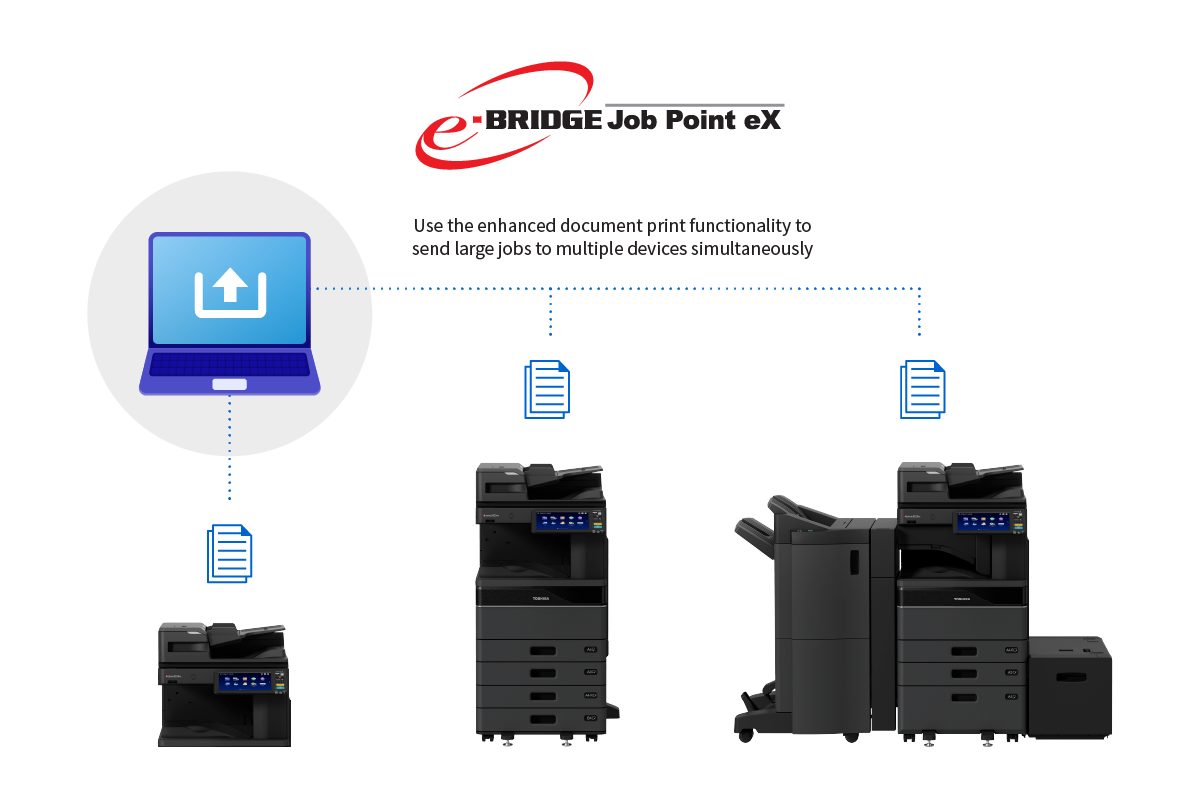
Large print jobs can be a challenge, even for high-volume printers. With Toshiba's e-BRIDGE Job Point eX, you can easily increase your productivity by printing on up to ten Toshiba devices at the same time. This multiplies your print speed by ten for fast and efficient document output. e-BRIDGE Job Point eX integrates into the easy-to-access Toshiba Universal Printer Driver and increases its functionality. The software automatically detects all Toshiba MFDs within a network and is capable of splitting a print job across various devices. The copies are then printed on these systems at the same time, significantly reducing the time needed to finish a large print job.
e-BRIDGE Job Point Brochure 2024
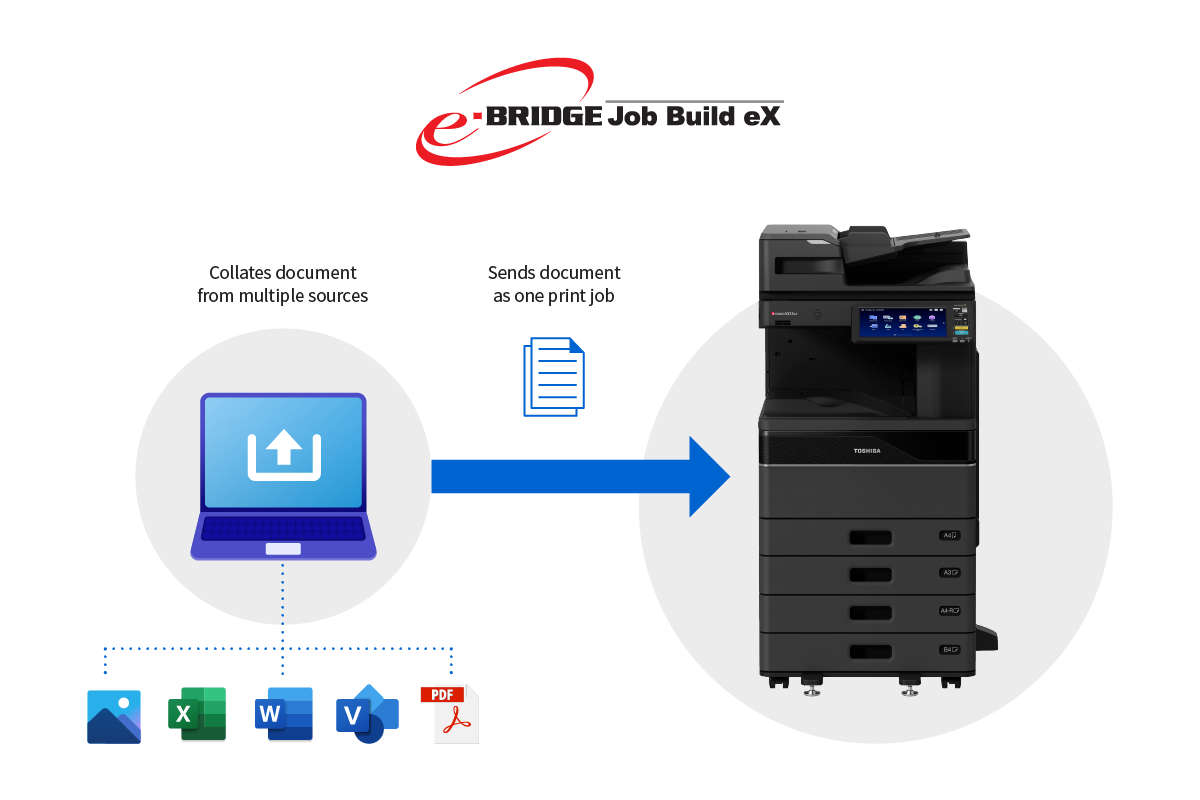 Toshiba e-Bridge Job Build eXTM
Toshiba's e-BRIDGE Job Build expands the capabilities of your Toshiba e-STUDIO Multifunction Device (MFD) by allowing it to combine multiple documents—of various file types, paper types, and document settings—into a single print job. Print multiple copies of each set quickly and easily. Reduce costs by switching between colour and black-and-white printing within the same job as needed. Eliminate time-consuming sorting and hand collating.
e-BRIDGE Job Build Brochure 2024
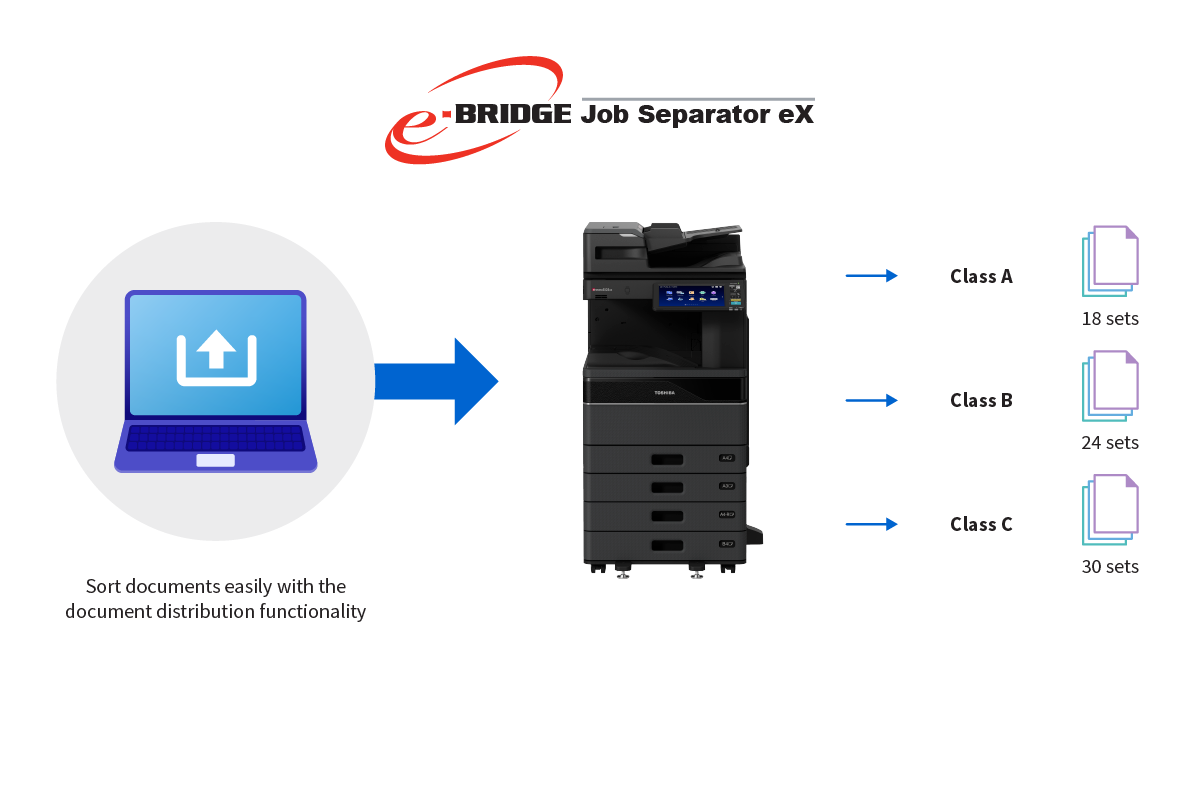 Toshiba e-Bridge Job Separator eXTM
Toshiba's e-BRIDGE Job Separator further enhances your Toshiba e-STUDIO Multifunction Device (MFD) by allowing it to simply and easily perform batch printing from any Windows application. It does this by allowing the user to create multiple sets of a job, divided by a separation page. Think of the time you’ll save from sorting large sets of documents into batches.
e-BRIDGE Job Separator Brochure 2024
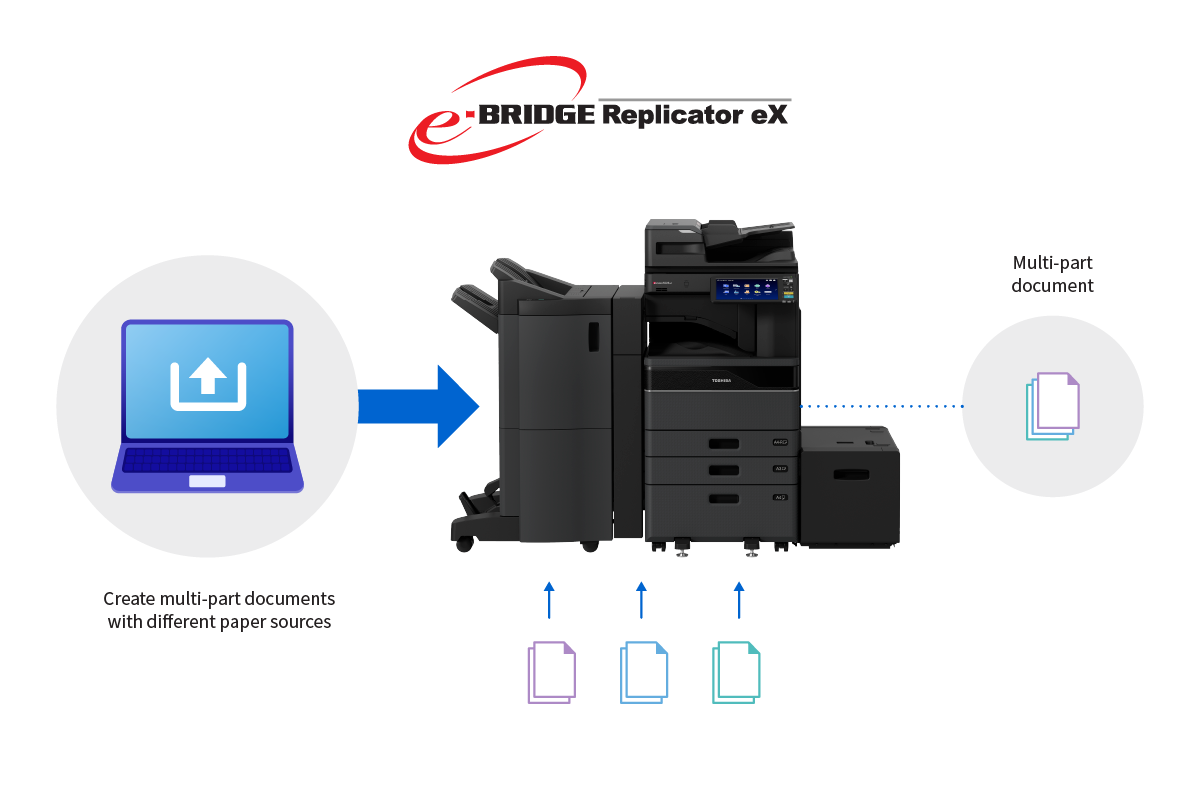 Toshiba e-Bridge Replicator eXTM
Toshiba's e-BRIDGE Replicator eX is a simple one-touch application for streamlining the creation of multi-part forms and documents such as invoices, receipts, and statements. If you need to print multi-part forms or documents on a regular basis, you'll know how painful it can be. Much better than old carbonless copy systems, e-BRIDGE Replicator eX is a simple yet effective software driver enhancement that automates multi-copy printing on plain paper. Simply print the same document to multiple paper sources to create different coloured copies that are easy to recognise and identify.
e-BRIDGE Job Replicator Brochure 2024